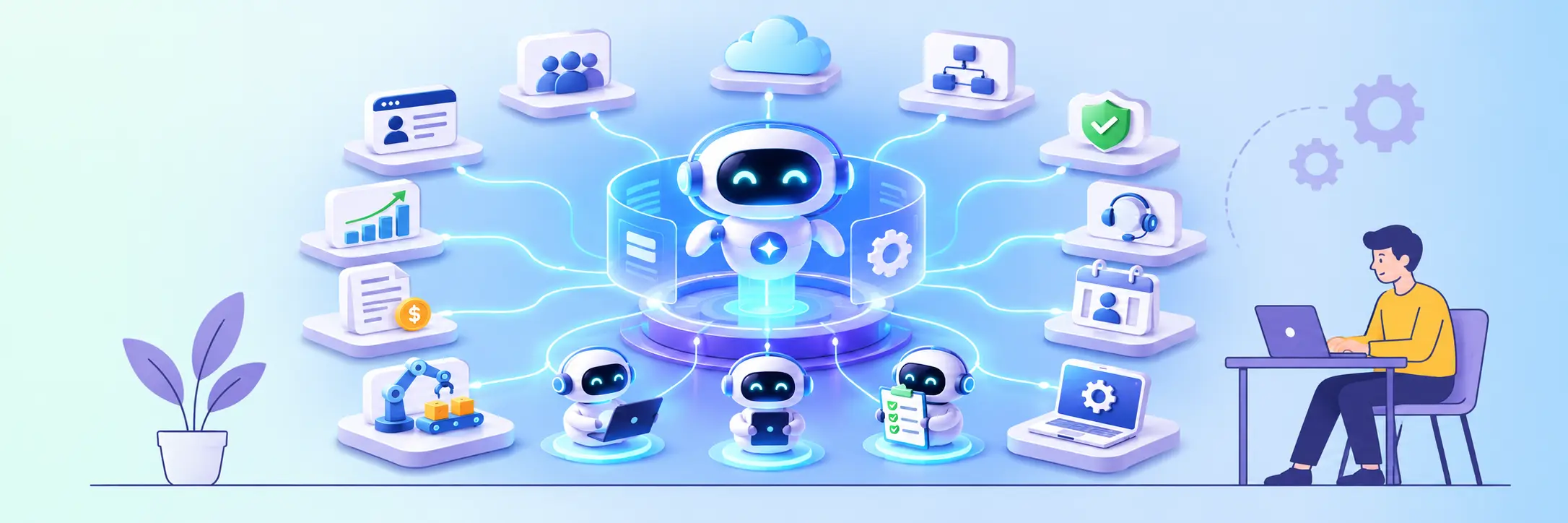

The right AI agent builders for business automation depends on three things: how much your team can code, how many systems the agent must touch, and how tightly you need to control its actions. Understanding how AI agents in workflows operate can also help businesses identify the right automation approach. Microsoft Copilot Studio, Salesforce Agentforce, and UiPath tend to suit enterprise stacks. n8n, Zapier Agents, and Relevance AI suit teams that want speed. LangGraph and CrewAI suit engineers who want full control. This guide compares ten options so you can build a shortlist and test it against a real process.
How to Evaluate an AI Agent Builder Before You Commit
Most buying mistakes happen because teams compare demos instead of operating conditions. Before you look at any vendor, score each option against five questions:
- Integration depth: Can the agent read from and write to your CRM, ERP, ticketing, and email systems, or only call a few public APIs?
- Guardrails: Can you require human approval for refunds, contract changes, or anything that touches money?
- Observability: Can you replay what an agent did, why it chose that action, and what it cost?
- Build model: Does your team need drag-and-drop, low-code, or a full SDK?
- Cost predictability: Is pricing per seat, per run, or per token, and what happens during a traffic spike?
The stakes are real. Gartner predicts that over 40% of agentic AI projects will be canceled by the end of 2027, citing rising costs, unclear business value, and weak risk controls. The same research warns about “agent washing,” where vendors relabel chatbots and RPA as agentic. Your evaluation should therefore test whether a tool plans and acts across steps, not whether it answers questions well.
Start with one narrow use case, such as invoice exceptions or lead routing. AI agents for workflow automation deliver the clearest returns when the process has defined inputs, a measurable outcome, and a clear owner. Businesses exploring AI workflow automation should also consider how intelligent decision-making can improve existing business processes.
Also Read: Ensuring Rock-Solid Low-Code Governance and Security in Development

The 10 Best AI Agent Builders and Platforms for 2027
The list below covers AI agent tools for business automation across low-code, no-code, and code-first approaches. It is not a ranking; each fits a different team. The shortlist reflects the best AI agent platforms for business use cases we see most often: service, sales, IT, finance, and operations.
1. Quixy
Among no-code AI agent builder tools, Quixy takes a process-first route: AI agents sit inside governed workflows, so decisions pass through the same approval rules, forms, and audit trails as the rest of the process. so decisions pass through the same approval rules, forms, and audit trails as the rest of the process. Businesses evaluating no-code automation tools can also compare platforms based on their workflow capabilities and enterprise requirements.
2. Microsoft Copilot Studio
As an ai agent builder platform inside the Microsoft ecosystem, Copilot Studio lets teams create agents that work across Microsoft 365, Teams, and Power Platform connectors. It is a natural fit when your data and identity management already live in Microsoft, because permissions and compliance tooling carry over.
3. Salesforce Agentforce
Agentforce builds agents grounded in Salesforce customer data, which makes it strong for service, sales development, and case resolution. Among AI agent builders for enterprises already running Salesforce, it reduces integration work. Outside that ecosystem, the advantage narrows.
4. Google Cloud Vertex AI Agent Builder
This ai agent development platform combines Gemini models with an open-source Agent Development Kit and managed deployment. It suits technical teams on Google Cloud that want multi-agent designs, grounding on enterprise search, and scalable infrastructure without managing everything themselves.
5. UiPath Agentic Automation
UiPath pairs AI agents with its established robotic process automation and orchestration layer. That combination matters for companies with legacy systems and no clean APIs, because agents can hand work to bots that operate the screen-based tools. It is a practical choice for finance and back-office operations.
6. ServiceNow AI Agents
Built on the Now Platform, these agents handle IT, HR, and customer workflows with the same records, approvals, and audit trails your teams already use. The trade-off is dependence on ServiceNow; it makes the most sense if that platform is already central to operations.
7. n8n
n8n offers a visual workflow canvas with dedicated AI agent nodes, and it can be self-hosted. Technical operations teams like it because they can mix prebuilt integrations with custom code, and keep sensitive data inside their own infrastructure.
8. Zapier Agents
As a no code ai agent platform, Zapier Agents connects to a very large catalog of business apps, so a marketer or operations lead can describe a task and have an agent working the same day. It is best for lightweight, low-risk tasks rather than regulated or high-value approvals.
9. Relevance AI
Relevance AI focuses on building teams of agents for sales research, outreach, and operations without heavy engineering. It appeals to growth and revenue teams that want to assemble specialized agents and iterate quickly on prompts, tools, and handoffs.
10. LangGraph and CrewAI
These open-source frameworks give developers maximum control over agent logic, memory, and multi-agent coordination. You also own everything around them: hosting, security, monitoring, and approvals. Choose them when your use case is unusual or your engineers want to avoid vendor lock-in.
Also Read: How to Automate a Workflow Without Coding: 6 Steps to Your First No-Code Workflow
AI Agent Platform Comparison at a Glance
| Platform | Best fit | Build style | Control and governance |
| Quixy | Process-driven business teams | No-code | Strong, workflow-based rules |
| Microsoft Copilot Studio | Microsoft 365 organizations | Low-code | Strong, inherits Microsoft permissions |
| Salesforce Agentforce | CRM-led service and sales | Low-code | Strong, tied to Salesforce data rules |
| Vertex AI Agent Builder | Google Cloud engineering teams | Low-code and SDK | Strong, configurable |
| UiPath Agentic Automation | Legacy and back-office processes | Low-code | Strong, built on orchestration |
| ServiceNow AI Agents | IT, HR, and service workflows | Low-code | Strong, audit-ready records |
| n8n | Technical ops, self-hosting | Visual and code | Moderate to strong, depends on setup |
| Zapier Agents | Fast, low-risk tasks | No-code | Moderate, limited approval depth |
| Relevance AI | Sales and revenue operations | No-code | Moderate |
| LangGraph / CrewAI | Custom, engineering-led builds | Code-first | You build it yourself |
Governance ratings are general indicators based on each product’s design focus. Confirm current capabilities with a pilot, since features change quickly.
Also Read: Workflow Automation and Workflow Management: 10 Critical Differences You Can’t Ignore
Why Choose Quixy for AI Agent-Led Process Automation
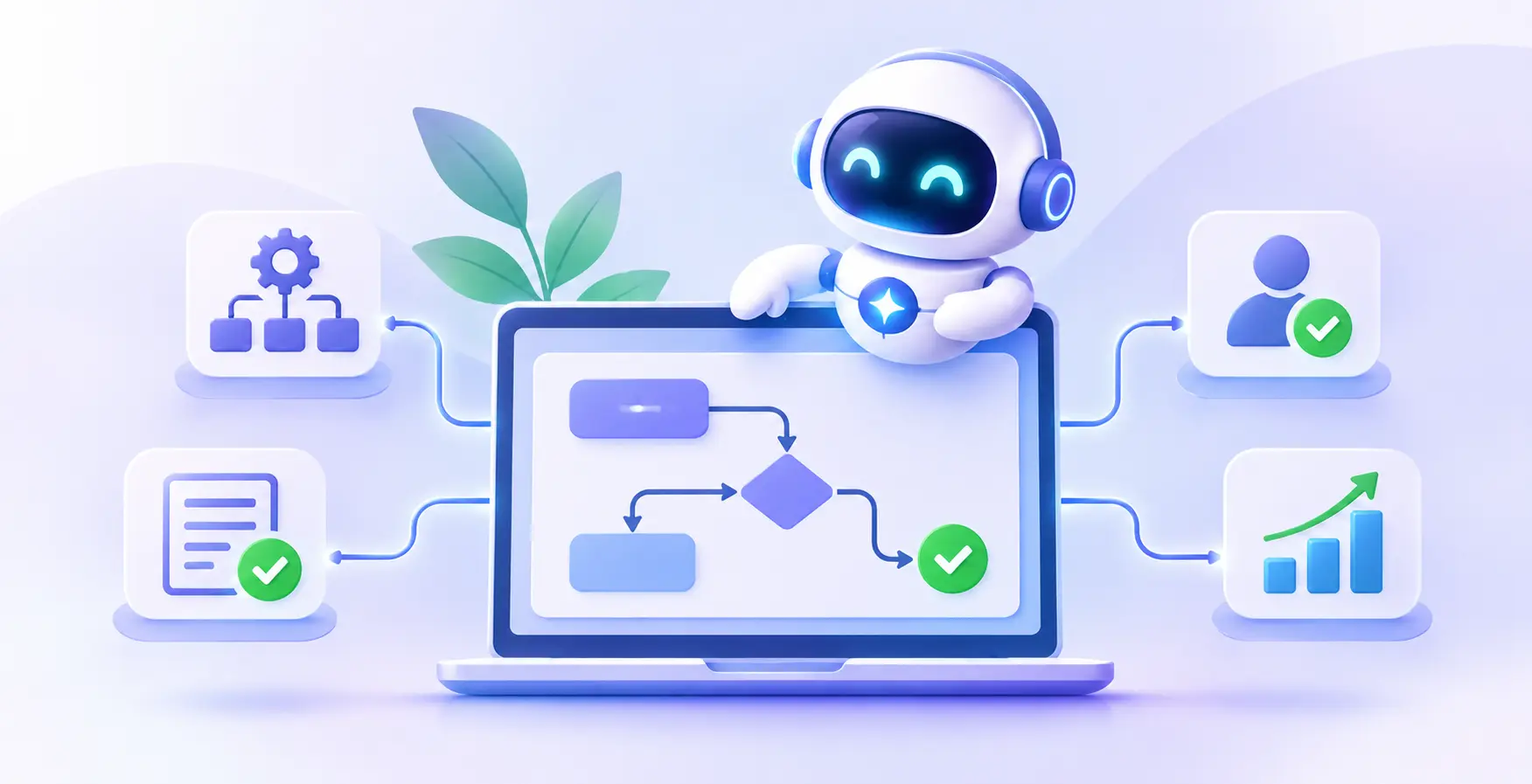
Choose Quixy when the work is a business process with rules, approvals, and owners, and you want agents to improve decisions inside it rather than run beside it.
- Agents inside the workflow. According to Quixy’s documentation, AI agents work alongside workflows and business rules, analyzing data, recommending actions, or executing steps in context.
- Your rules stay in charge. Routing, approvals, and automations keep running as configured. Agents improve how decisions are made; they do not replace the process.
- No-code for process owners. Business teams can design forms, flows, and agent steps without engineering support, which shortens the path from idea to pilot.
- A clear first use case. Expense and invoice approvals are a natural start: an agent checks the data against policy, then approves or escalates the exception. Businesses can explore approval workflow automation to understand how approval rules, routing, and escalation processes are configured.
Two caveats apply. Quixy’s agentic features have been described as beta, so confirm current availability, supported models, and data handling with the vendor. And if you need research-grade, multi-agent experimentation in code, a framework such as LangGraph or CrewAI is a better match.
Which AI Agent Builder Fits Your Team?
If you already run a major suite, begin there. Microsoft shops should test Copilot Studio, Salesforce customers should test Agentforce, and ServiceNow customers should test its native agents. Inherited permissions and shared data models save months of integration.
If you want speed with minimal engineering, shortlist Zapier Agents, Relevance AI, or a process-centric no-code option such as Quixy. Keep humans in the approval loop for anything involving money or customer commitments.
If your processes involve older systems, UiPath deserves a serious look. If your engineers want control, or you need data to stay on your own infrastructure, n8n, LangGraph, or CrewAI make sense, provided you budget for monitoring and security work.
Momentum is strong, but maturity is uneven. McKinsey’s 2025 State of AI survey found that 62% of organizations are at least experimenting with AI agents, while only 23% are scaling an agentic system, and usually in just one or two functions. The gap between pilot and production is where platform choice matters most.
Common Mistakes to Avoid When Choosing a Platform
- Starting too broad. Pick one workflow with a measurable result, such as cutting invoice exception handling time.
- Ignoring total cost. Model usage, integration work, and monitoring, not just licenses.
- Skipping human checkpoints. Add approval steps early, then relax them as accuracy is proven.
- Testing on clean data only. Run the pilot with messy, real inputs and edge cases.
- Choosing on features alone. Ask who maintains the agent after launch, and who is accountable when it makes a mistake.
Conclusion
There is no single winner among AI agent builders. The strongest choice is the one that connects to your systems, respects your approval rules, and fits the skills your team already has. Suite-native tools reduce integration risk, no-code options speed up experimentation, and open-source frameworks reward engineering depth.
Whichever ai agent builder you shortlist, run a four-week pilot on one real process, track cost per completed task, and review every error before expanding. That discipline is what separates projects that reach production from the ones Gartner expects to be canceled.
Frequently Asked Questions(FAQ’s)
1) What is an AI agent builder, and how does it differ from a chatbot builder?
An AI agent builder lets you create software that plans steps, uses tools, and completes tasks across systems with limited supervision. A chatbot builder mainly creates conversational interfaces that answer questions. If the tool cannot take actions such as updating records or triggering approvals, it is closer to a chatbot.
2) Can non-technical teams build AI agents without coding?
Yes, for many use cases. No-code tools let operations, HR, and finance staff configure agents through forms, templates, and visual workflows. Complex integrations, custom logic, and strict security requirements still tend to need IT or developer support.
3) How much does it cost to run AI agents in production?
Costs typically combine licenses or subscriptions, model usage, and integration and monitoring effort. Usage-based pricing can rise quickly under heavy volume, so estimate cost per completed task during your pilot rather than relying on list prices.
4) How do I keep AI agents safe and compliant?
Limit each agent’s permissions to what its task requires, require human approval for high-impact actions, and keep detailed logs. Choose AI agent software for businesses that supports role-based access, audit trails, and data residency controls matching your regulatory obligations.
4) Should I build with a framework or buy a platform?
Buy when speed, governance, and vendor support matter more than customization. Build with a framework such as LangGraph or CrewAI when your workflow is unusual, your engineers can maintain it, and you need full control over data and logic.
5) How long does it take to get a first AI agent into production?
A narrow, well-defined use case, such as invoice exception routing or internal request triage, can often move from pilot to limited production in four to eight weeks on a no-code or low-code tool. Most of that time goes to connecting data sources, writing approval rules, and testing edge cases, not to building the agent itself. Code-first frameworks and multi-system deployments usually take longer, so plan a few extra months if security reviews or legacy integrations are involved.
6) Is an AI agent different from RPA or traditional workflow automation?
Yes. RPA and rule-based workflows follow fixed steps and fail when an input falls outside the script. An AI agent interprets context, chooses among actions, and handles exceptions without a predefined path for every scenario. In practice the strongest setups combine both: workflows and bots handle predictable steps, while agents handle judgment-based decisions inside them. If a vendor cannot show an agent making a decision your rules did not anticipate, you may be looking at repackaged automation.
Related Post



Recent Posts





- Download the App