
Quixy vs Zoho Creator
A practical comparison for no-code workflow automation and low-code app development
A Quixy vs Zoho Creator comparison should focus on platform fit, not just feature lists. Quixy may be a strong fit for teams looking for no-code workflow automation, business process automation, AI-assisted app building, and integration flexibility. Zoho Creator may be worth evaluating for organizations that need an AI-powered low-code platform to build custom web and mobile applications, automate workflows, manage data, and deploy apps across business teams.
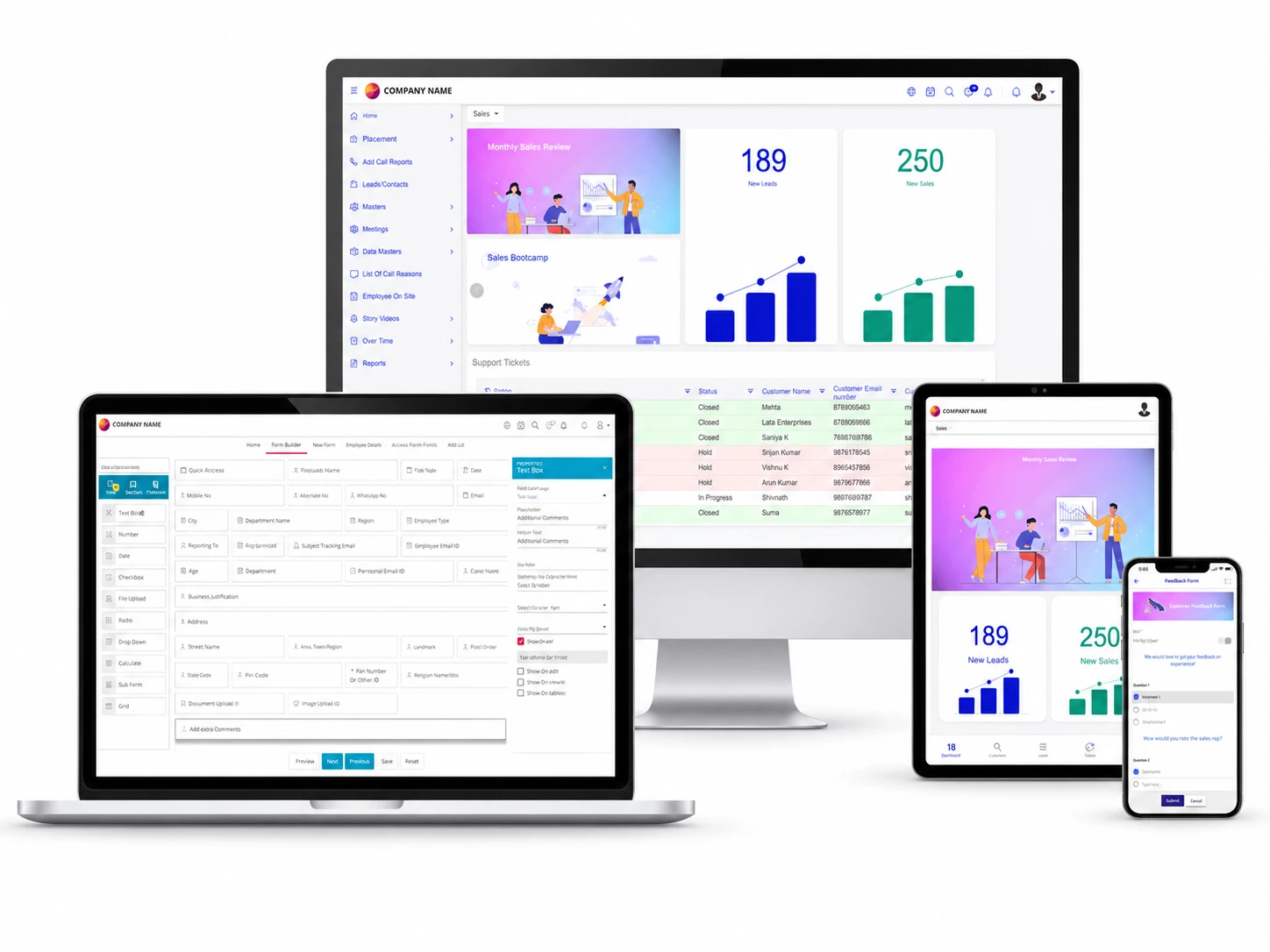
Compare Platform Fit, Not Just Feature Lists
A useful Quixy vs Zoho Creator comparison should focus on how each platform fits your workflows, users, app-building needs, governance requirements, integrations, and long-term automation strategy rather than comparing every small feature that may change over time.

Workflow-first evaluation
Begin by identifying the business process you want to automate, covering approvals, routing, handoffs, exceptions, reporting needs, and the key stakeholders involved in each step.

Verified platform strengths
Focus on documented platform capabilities such as workflow automation, no-code app building, low-code development, AI-assisted app creation, integrations, deployment, mobile access, and governance.

Balanced comparison
Understand where Quixy may fit well while still evaluating Zoho Creator fairly for low-code custom application development, web and mobile apps, workflow automation, and data-driven business applications..
Why Quixy May Be a Strong Alternative
Quixy positions itself as an AI-powered no-code business process automation platform. It may be especially relevant for organizations that want to automate workflows, build internal applications, and improve business processes with a business-user-friendly no-code approach.

Workflow-led automation
Quixy is worth evaluating for teams that need workflow-led automation across approvals, routing, notifications, and step-based business processes.

No-code app building
Quixy’s no-code app development positioning is relevant when business users need to create and manage internal workflow applications with reduced development dependency.

AI-powered platform
Quixy publicly positions AI as part of its no-code business process automation platform, making it relevant for teams evaluating AI-supported workflow and app-building use cases.

Low-code flexibility
Quixy supports no-code application development with low-code capabilities, making it relevant when business-led automation still needs integrations, customization, and IT oversight.
When to Evaluate Each Platform
Quixy and Zoho Creator can both support app development and workflow automation, but they may fit different operating models. Use this section to understand when Quixy may be a strong fit and when Zoho Creator may also be worth evaluating.
Quixy may be a strong fit when
✓ Your priority is workflow-led business process automation.
✓ You need to build internal apps and automate processes in one platform.
✓ Business users need to create or update workflows with reduced development dependency.
✓ You want AI-assisted process improvement within business workflows.
✓ You need low-code flexibility for APIs, databases, and third-party integrations.
Zoho Creator may be a strong fit when
✓ Your priority is low-code custom application development.
✓ You need to build web and mobile applications with minimal coding.
✓ Your team wants drag-and-drop app creation with workflow automation.
✓ You need application deployment, mobile access, data management, and integrations.
✓ Your organization already uses Zoho apps or wants to evaluate the broader Zoho ecosystem.
Use This Framework During Vendor Demos
| Buyer Priority | Why Quixy Is Worth Evaluating | Demo Question to Ask |
|---|
| Workflow-heavy business processes | Quixy is worth evaluating for teams that need workflow-led automation across approvals, routing, notifications, and step-based business processes. | Can you demonstrate how an approval workflow is built, including routing, exceptions, escalations, and role-based access? |
| App building with automation | Quixy’s no-code app development positioning is relevant when teams need internal applications and workflow automation together. | How quickly can a non-technical user build an app with forms, workflows, reports, permissions, and mobile access? |
| AI-assisted process improvement | Quixy publicly positions AI as part of its no-code business process automation platform, making it relevant for buyers evaluating AI-supported workflow and app-building use cases. | Which AI capabilities are available in the platform, how are they used in daily workflows, and how can outputs be reviewed or controlled? |
| Integrations and governance | Quixy supports low-code flexibility with APIs, databases, and third-party integrations, which matters when business-led automation still needs IT oversight. | Which integrations are native, which require APIs, and how are user roles, audit logs, data controls, and security policies managed? |
Quixy trusted by businesses across industries


What Quixy Customers Say




FREQUENTLY ASKED QUESTIONS
1. Is Quixy a Zoho Creator alternative?
Yes. Quixy can be evaluated as a Zoho Creator alternative for organizations comparing no-code workflow automation, business process automation, internal app building, AI-assisted operations, integrations, and governance.
2. Which is better: Quixy or Zoho Creator?
The better choice depends on the use case. Quixy may be a strong fit for workflow-led no-code automation and internal app building. Zoho Creator may be worth evaluating for AI-powered low-code custom application development, web and mobile apps, workflows, integrations, deployment, and the broader Zoho ecosystem.
3. What should buyers compare before choosing?
Buyers should compare workflow design, app-building needs, AI capabilities, integrations, governance, mobile access, deployment options, reporting, pricing model, scalability, and long-term maintainability.
4. Is Quixy suitable for workflow automation?
Yes. Quixy is suitable for teams evaluating workflow-led automation for approvals, routing, notifications, and step-based business processes. Buyers should test it against one real workflow during a demo to confirm fit.
5. How should Quixy and Zoho Creator be compared fairly?
Compare both platforms against one real business process. Ask each vendor to show how the workflow is built, how apps are created, how users are governed, how integrations work, and how reports or dashboards are managed.



Are you ready to transform how your business operates?


- Download the App